Topics
Manage inquiries and deals
Review inquiries, plan your next contact and take a deal through to the next stage of work.
On this page
- You are signed in to the right work area and your account has access to Deals.
- A new deal needs a pipeline with at least one stage.
Open in Klausi (sign-in required)
Choose the right view
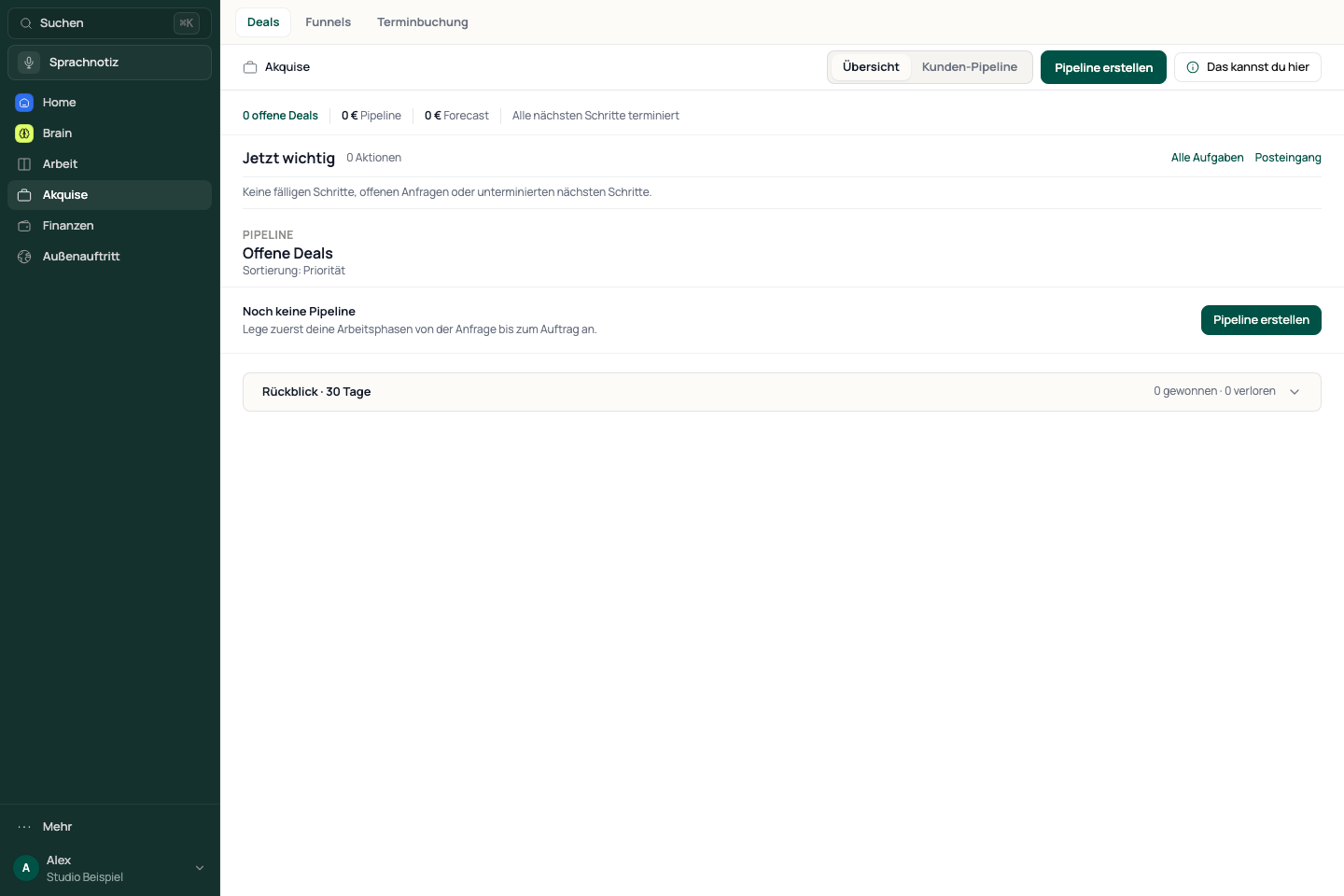
The overview summarises acquisition activity. The pipeline board is a separate view. Some controls in this area currently retain their German labels.
- Open Acquisition → Deals. The entry page shows the overview.
- Switch to Pipeline to work with deals by stage.
- Use Eingang for incoming inquiries, Fokus for next actions and Archiv for archived deals.
See the app view
Create a deal and follow up
The deal remains available in the selected pipeline. A scheduled next action helps you follow up.
- Select the pipeline and choose Neuer Deal (new deal).
- Enter the basic details. Add the client and other information you already know.
- Confirm with Deal anlegen (create deal). Then open the deal to maintain next actions and dates.
- Move the deal to its next stage. Review the confirmation when marking it won or lost.
Turn an inquiry into a deal
- Open Eingang and read the inquiry, its source and the available details.
- Check whether the person or client already exists.
- Take a suitable inquiry into a deal and add the next contact.
Funnel inquiries appear in acquisition only when forwarding is enabled for that funnel. Also check the funnel inbox when an inquiry is missing.
Continue after winning a deal
Winning a deal does not create a project or invoice without your decision.
- Review the linked client and line items in the deal.
- Open Weitere Aktionen (more actions) and select the action for an offer, invoice or project.
- Review the transferred information in its destination before saving or finalising it.
If a deal or inquiry is missing
Check the work area, pipeline, search and filters. Won deals may be hidden on the board. Look for archived entries in Archiv. If creation reports an error, check whether the deal was saved before creating it again.
Reviewed: