INTERPRETER / BOOTH
A quote for each event.
Interpreting, equipment and setup costs add up.
- Organise booths and receivers
- Book language pairs in advance
- Spoken interpretation by people
Price and effort depend on your event.
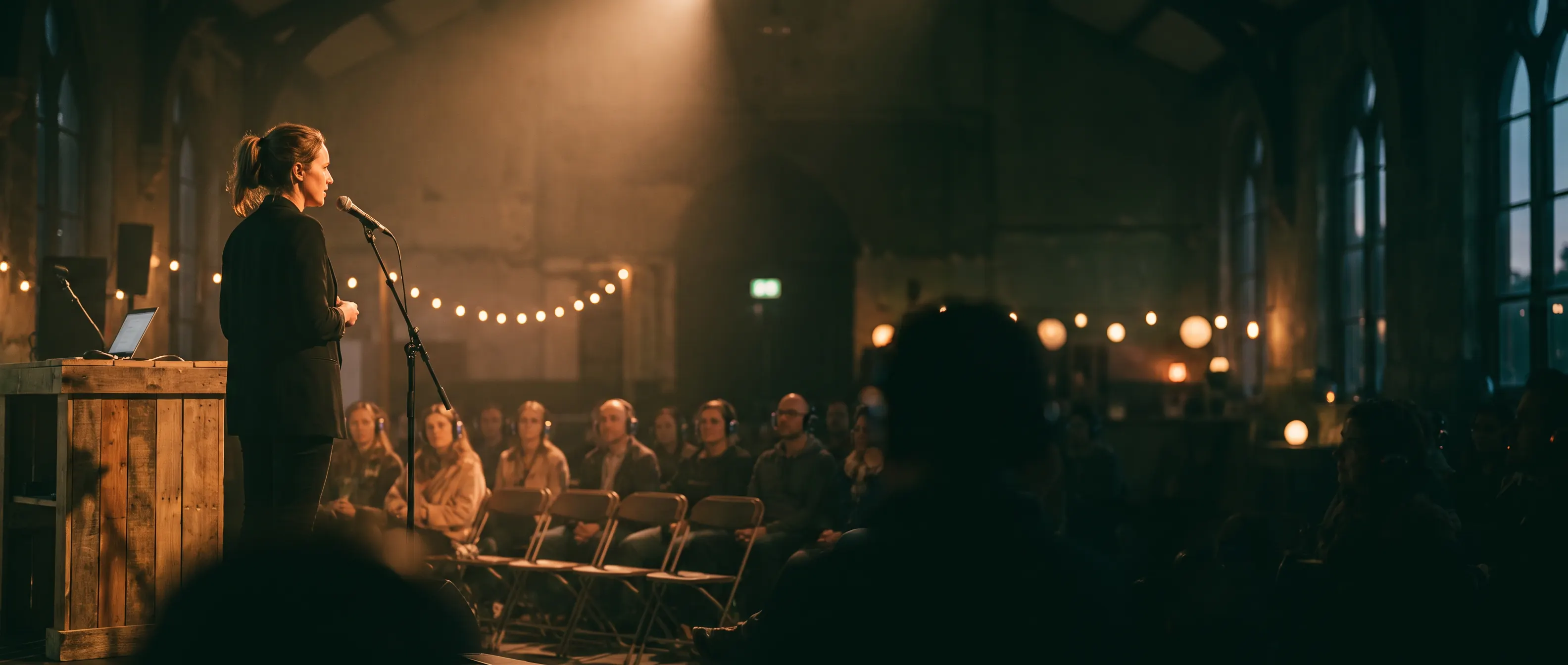 AI image
LIVE TRANSLATION FOR EVENTS
Klausi translates your talk live. Your audience reads along via link or QR code. No app. No account.
3 minutes free every month · Free and Pro
Choose your spoken language and one target language per session.
01 / LIVE CAPTIONS
You give your talk. Klausi recognises your speech and translates it live. Your audience switches between the original and translation.
02 / START YOUR EVENT
Create an event, show a link or QR code, speak — no technical crew, no app for the audience, however many people read along.
Choose the source and target languages. Pick from 13 languages.
Show the QR code or share the event link. Your guests open it in their browser.
You speak. Your audience reads along live — on their own phone or the projector.
German · English · Turkish · Italian · Spanish · French · Portuguese · Dutch · Polish · Ukrainian · Romanian · Greek · Arabic
“Great to have
you here today.”
We will start in a moment.
You can ask your questions at any time.
EXAMPLE · PROJECTOR VIEW
03 / PROJECTOR MODE
Open your event’s projector view on the big screen. The current sentence takes centre stage, with the history just below.
3 themes · 3 font sizes
Use phones and the big screen together
LESS SETUP. MORE UNDERSTANDING.
For live captions, your audience just needs their own phone. You speak into the microphone. Klausi translates along.
INTERPRETER / BOOTH
Interpreting, equipment and setup costs add up.
Price and effort depend on your event.
WITH KLAUSI · LIVE CAPTIONS
€9
for 60 minutes. Buy once, use as needed.
Processed in the EU · no audio stored
Included every month · no Pro subscription needed
Feature overview
Honest, no fine print.
FOR YOUR AUDIENCE
You speak. Your audience reads the translation.
04 / MINUTES & PRICING
Every month in Free and Pro. Test your microphone, translation and projector before your event.
| Minutes | Price |
|---|---|
| 60 minutes | €9 |
| 120 minutes | €15 |
| 300 minutes | €30 |
Buy once. Use as needed.
Purchased minutes do not expire. No Pro subscription needed.
Create your first event and try live translation with your three free minutes.
3 minutes free every month · Free and Pro
FAQ / LIVE TRANSLATION
For talks, workshops and events. You need a microphone, a browser and a stable internet connection.
It is decoupled from your plan: Free and Pro both get 3 free minutes per month. Beyond that you buy minute packs — 60 minutes for €9, 120 for €15, 300 for €30. Purchased minutes do not expire.
Thirteen: German, English, Turkish, Italian, Spanish, French, Portuguese, Dutch, Polish, Ukrainian, Romanian, Greek, and Arabic. You pick one target language per session; viewers switch between original and translation.
No. Viewers open the event link or scan the QR code — that is it. The number of people reading along is not limited.
No. The audio is processed live in the EU and not stored. Only the text history is kept — you can copy it, download it as .txt, or delete it entirely.
Every event has its own projector view under /beamer: the current sentence large, history below, three themes and three font sizes. Just open the URL on the projector machine.
Recognition runs automatically, and quality depends on audio quality and pronunciation. Clearly spoken standard German works best; heavy dialect, mumbling, or lots of technical terms can cause errors. Test recognition before your event with your microphone and your typical content.
At the lectern you need a microphone, a browser, and a stable internet connection. On weak Wi-Fi the translation can stutter. Your audience only needs a phone with internet and the QR code — no app, no account.
You can copy the history or download it as a .txt file. There is no SRT/VTT export for video editing.