Topics
Set up a booking link
Set the duration and available times, check the guest view and share an active booking link.
On this page
- You are signed in and know the appointment duration, location and available times.
- A Google connection is needed only if you want to use its calendar features.
Open in Klausi (sign-in required)
Create a link and choose its type
Single links use specific time windows. Recurring links use a weekly schedule and exceptions.
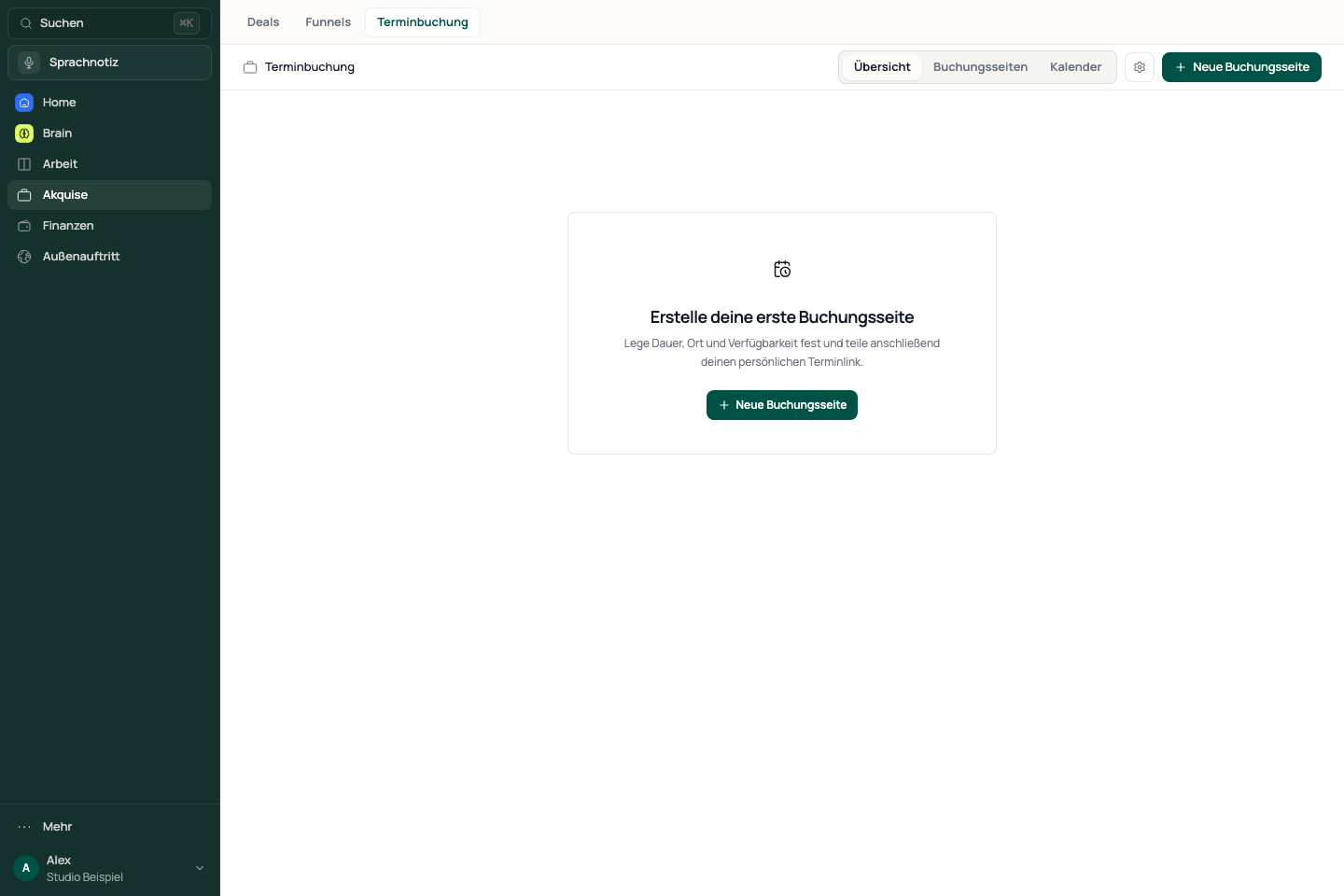
- Open Acquisition → Booking and create a booking link.
- Choose a single or recurring link for your service.
- Enter the title, link address, duration and appointment location.
- Open the new link to edit its availability.
See the app view
Check available times and calendars
- Open Availability and check the timezone.
- Add time windows or a weekly schedule. Each window must fit the appointment duration.
- Add exceptions and review the minimum notice and booking horizon.
- To use Google, open Settings → Integrations and select the Google Calendar connection and enable the purpose you need.
Synchronisation and availability checks serve different purposes. Signing in to connect an account does not enable every calendar function.
Test the guest view and share the link
Guests choose an offered appointment and enter their details. Check any confirmed booking in Booking afterwards.
- Review any remaining setup steps shown.
- Activate the link when the flow is ready.
- Copy the booking link and open it while signed out.
- Check the timezone, date, available times and requested guest details before sharing it.
Account limits and locked options
The number of active links and additional planning options depend on your account. Read the notice next to the option and in your subscription settings. A visible preview does not mean an option is unlocked.
If guests cannot see available times
Check activation, timezone, duration, minimum notice, booking horizon and exceptions. For Google conflicts, check the selected calendars and enabled purpose. Change one setting at a time and test the guest view after each correction.
Reviewed: