Topics
Create and publish a funnel
Build an inquiry flow, check the published version and work with incoming responses.
On this page
- You are signed in and your account allows you to create a funnel.
- You have prepared the text, questions and information for the public page.
Open in Klausi (sign-in required)
Overview, inbox and distribution
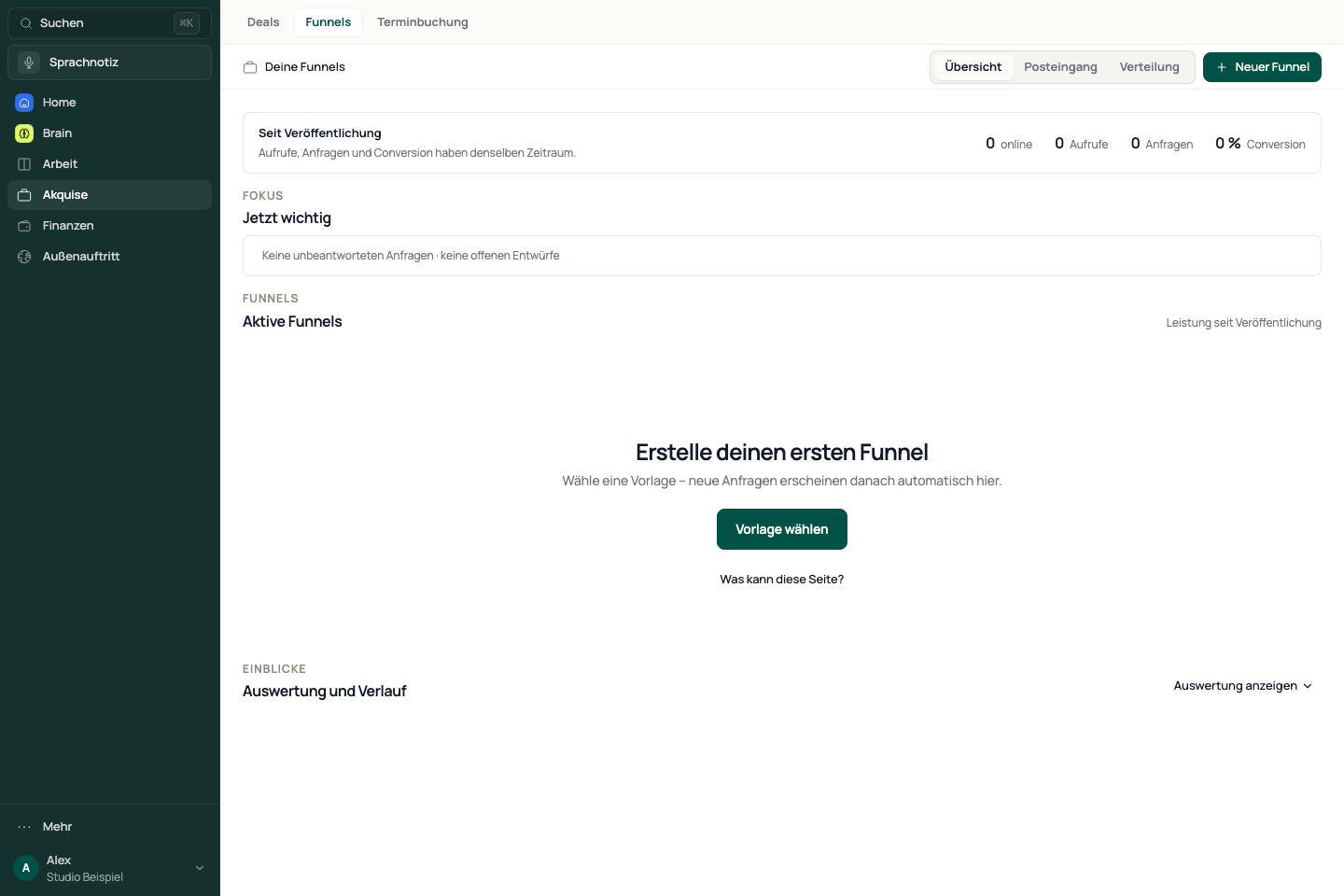
Open Acquisition → Funnels. The overview lists your funnels and their status. Inbox brings responses together. Distribution helps with sharing and campaign links.
Views, inquiries and conversion in the performance overview use the same period since publication. The recent daily trend is a separate view.
See the app view
Prepare the flow
The preview helps you check the sequence and clarity. Editing does not publish a version.
- Choose New funnel and start with a suitable template or a new flow.
- Open the editor and edit the content and questions.
- Add the completion page and check the preview.
- Review the link address, appearance and information visitors will see.
Publish deliberately
- Review all text, questions, contact details and privacy information.
- Add at least one question. A funnel without a question cannot be published.
- Publish and wait for confirmation of the live version.
- Open the public link and check the flow as a visitor.
Later editor changes need to be published again before they appear in the live version. Publishing does not replace a content or legal review.
Read and follow up on responses
- Open Inbox and select the incoming response.
- Read the details and assess the inquiry.
- Check forwarding to acquisition if needed. Continue the next contact there as a deal.
- Use Distribution when you want to share the funnel with a suitable campaign link.
If the public page looks wrong
Compare the draft with the published version. Check its status, link address and latest publishing confirmation. For missing inquiries, check the selected funnel and inbox filters first. A creation limit is not a loading error; read the account notice shown.
Reviewed: