How live translation works
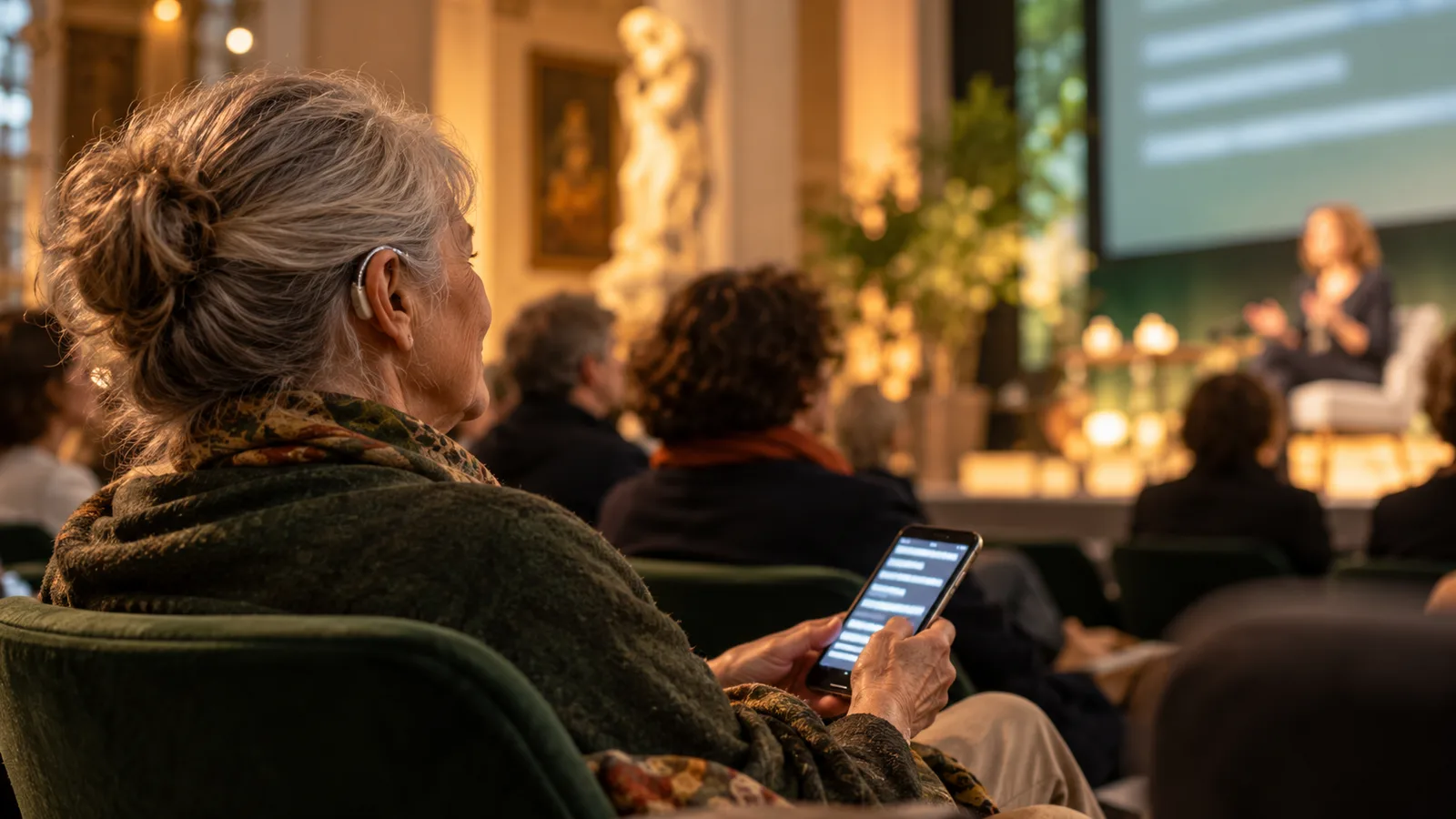
The microphone captures speech. Speech recognition turns it into text, which is then translated into the other language in your selected pair. Guests read the output on a projector, a display or their own device.
Processing takes time. How quickly a sentence appears depends on pauses, audio quality and the connection, among other things. Test realistic sentences instead of planning around a fixed delay. Klausi supports one language pair per event and detects language changes within that pair.
Which cultural formats it suits
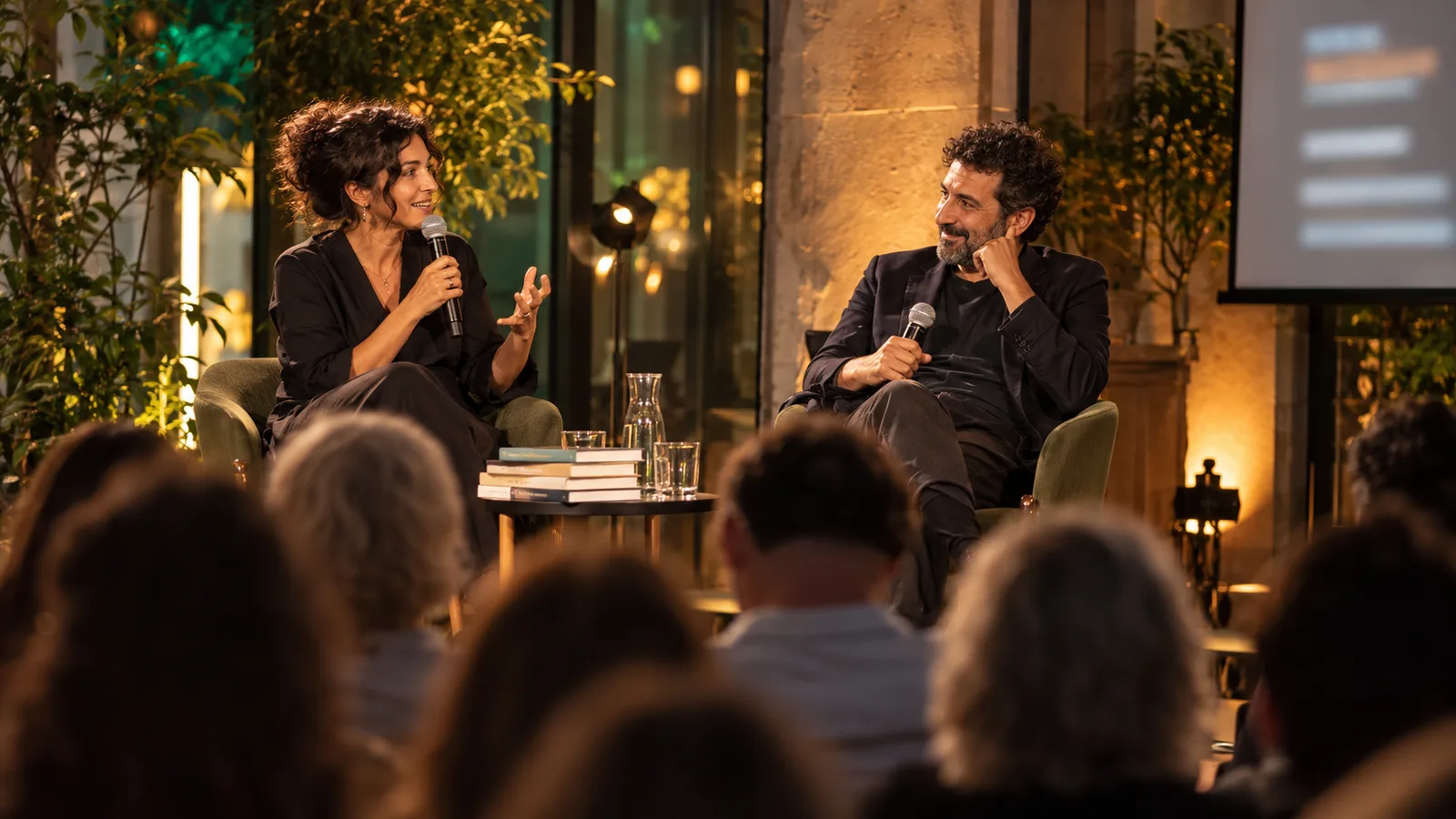
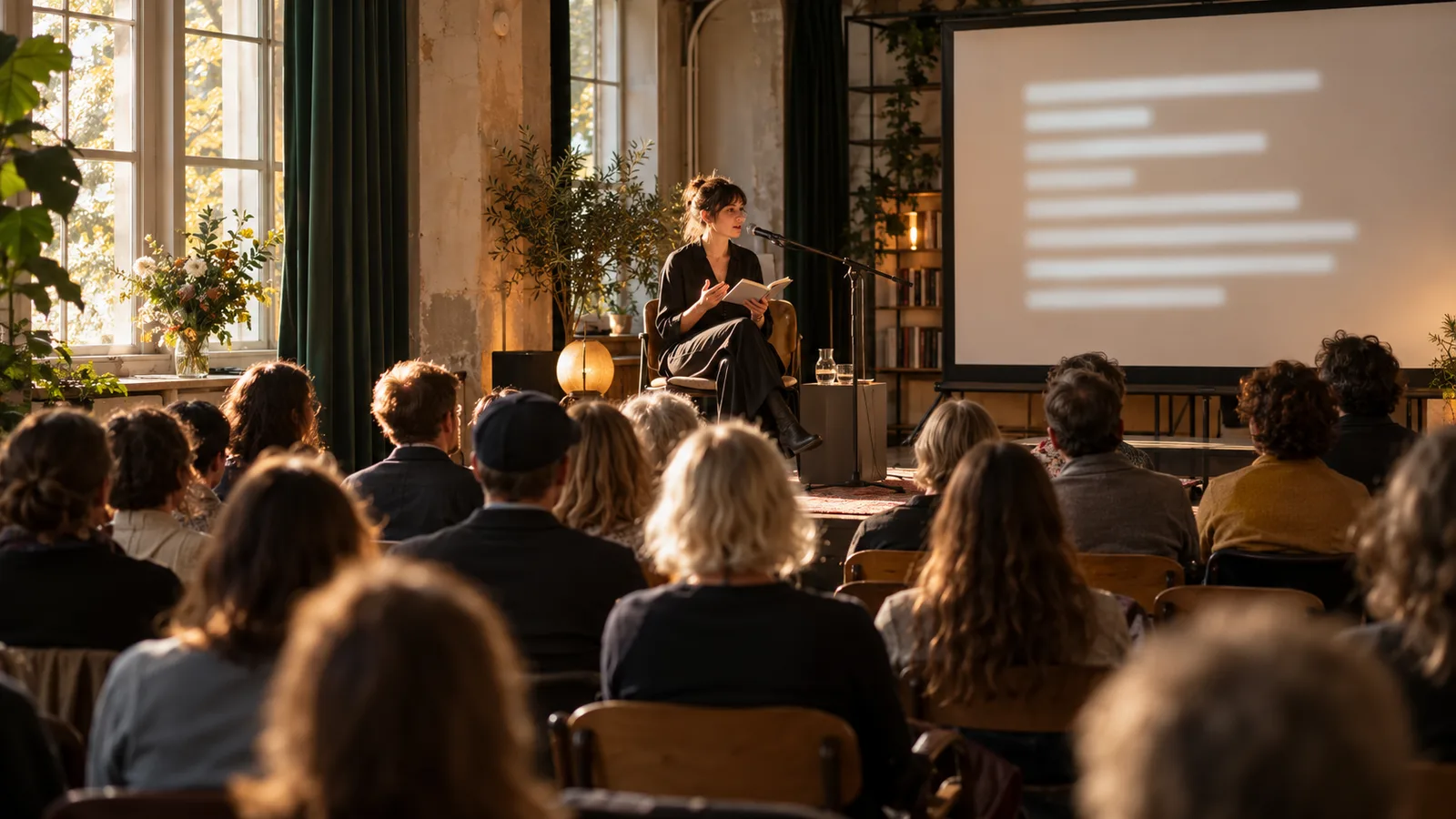
Structured talks and moderated conversations with clear speaker changes are straightforward to rehearse. For readings, also check whether style, names and literary language remain understandable. For a scripted theatre production, prepared surtitles may be a better fit.
- Readings, author conversations and exhibition openings.
- Panel discussions, specialist talks and conferences.
- Community evenings and neighbourhood meetings.
- Gallery tours with guest access on smartphones.
All 13 languages: choose the right pair
Klausi offers the languages below. Source and target must differ. An event uses one selected pair, with translation in both directions within that pair. This list does not mean simultaneous output into 13 target languages.
Ask about the languages your audience actually understands. German–English may suit an international event; German–Turkish may fit a particular community meeting. In Switzerland, German–French or German–Italian may be relevant. Nationality and venue do not determine language needs.
| Selectable language | Code |
|---|---|
| German | de |
| English | en |
| Turkish | tr |
| Italian | it |
| Spanish | es |
| French | fr |
| Portuguese | pt |
| Dutch | nl |
| Polish | pl |
| Ukrainian | uk |
| Romanian | ro |
| Greek | el |
| Arabic | ar |
German
English
Turkish
Italian
Spanish
French
Portuguese
Dutch
Polish
Ukrainian
Romanian
Greek
Arabic
Account for Germany, Austria and Switzerland
The same technical workflow can support a shared German-language event. Trial regional expressions, names and the varieties actually spoken. Swiss German is not a separate selectable language. A successful Standard German test does not establish reliable translation of every dialect.
For cross-border groups, plan mobile data access and possible roaming charges. For a venue, test guest Wi-Fi under event conditions as well. Clarify access and processing requirements with the responsible organisation; using AI alone does not establish that they are met.
Equipment you need
Plan a laptop with a modern browser, reliable internet and a microphone close to the speaker. When several stage microphones are in use, a suitable output from the venue sound system may provide a better signal. Check the connection with the venue technician.
A projector or large display provides shared viewing. QR access can help guests with a poor sightline or those moving through a gallery. They need their own device and internet access. Bring power supplies, suitable display adapters and a tested backup connection.
Set up live translation step by step
In Klausi, open Public presence → Live translation. Create an event with a name and language pair. Then select the right microphone, allow browser access and start a short rehearsal. Creating an event does not start translation by itself.
Open the projector output and test the guest link on a second device. Check text size and contrast from the back row. The four-step setup guide explains the process. For projection, use the projector setup guide.
Find common problems before doors open
A distant laptop microphone, overlapping speakers or background music make recognition harder. Clear moderation and a clean audio feed improve the input. Test audience questions using the microphone you will actually pass around.
Disable disruptive notifications and automatic screen locking for the presentation. Assign someone to watch the text and session status during the event. Decide in advance how you will handle an interruption.
Plan minutes and budget
Klausi includes 3 free minutes per month for trying the feature. For longer events, buy additional minutes as a one-time pack. Usage is metered in minutes, and purchased minutes do not expire. Live translation does not require an additional Pro subscription.
Allow for the event, rehearsals and a reserve. Check the current minute packs and your balance before starting. Include microphones, projection, internet and on-site support in the budget. A general comparison with interpreting fees would miss those differences.
Plan understanding and data handling
Tell speakers about processing and tell guests that the translation is generated by AI. Decide which content may appear publicly. The voice processing information explains processing and text history in German.
AI can mistranslate names, numbers and meaning. Binding or particularly sensitive content needs appropriate professional support. Start with a small rehearsal and collect feedback in both languages.
Find the guide for your event format
Start with the format you are actually planning. These guides cover distinct workflows and complement the shared setup.
- Theatre and audience talks: distinguish prepared surtitles and live text.
- City tours and travel groups: test the route, reading stops and mobile internet.
- Book launches and readings: plan literary passages and questions separately.
- Exchange programmes: organise orientation, languages and personal support.
- Panels and discussions: prepare sound and moderation.
- Four-step setup: start the technical rehearsal.