Define what the panel needs
Which languages do speakers and the moderator use? Should guests read or listen to spoken interpretation? Is the content sensitive or binding? Answer those questions before announcing a bilingual event.
AI subtitles can support reading along. They may contain errors and do not provide spoken output in the Klausi flow described here. The AI and interpreting comparison helps with the decision.
Prepare microphones and the room
Plan a laptop with browser, internet, enough minute balance and a display for the audience. With several panel microphones, a clean output from the venue sound system may be useful. Check with the technician which signal reaches the laptop.
A distant microphone often captures room noise and loudspeakers. Test every speaker in their intended seat. Audience questions also need a clear audio feed. Include the roaming handheld microphone in the rehearsal.
Create the panel event in Klausi
Open Public presence → Live translation and create an event. Give it a recognizable name and select a pair such as German and Turkish. Check microphone permission and input.
Start a rehearsal with short contributions from both language groups. Check whether meaning is understandable, not just whether text appears. Prepare typical names and terms in the live settings and test them.
Agree language changes and moderation
The current Klausi flow detects changes within the pair and translates into the other language. That does not replace orderly discussion. When several people speak together, recognition lacks a clear signal.
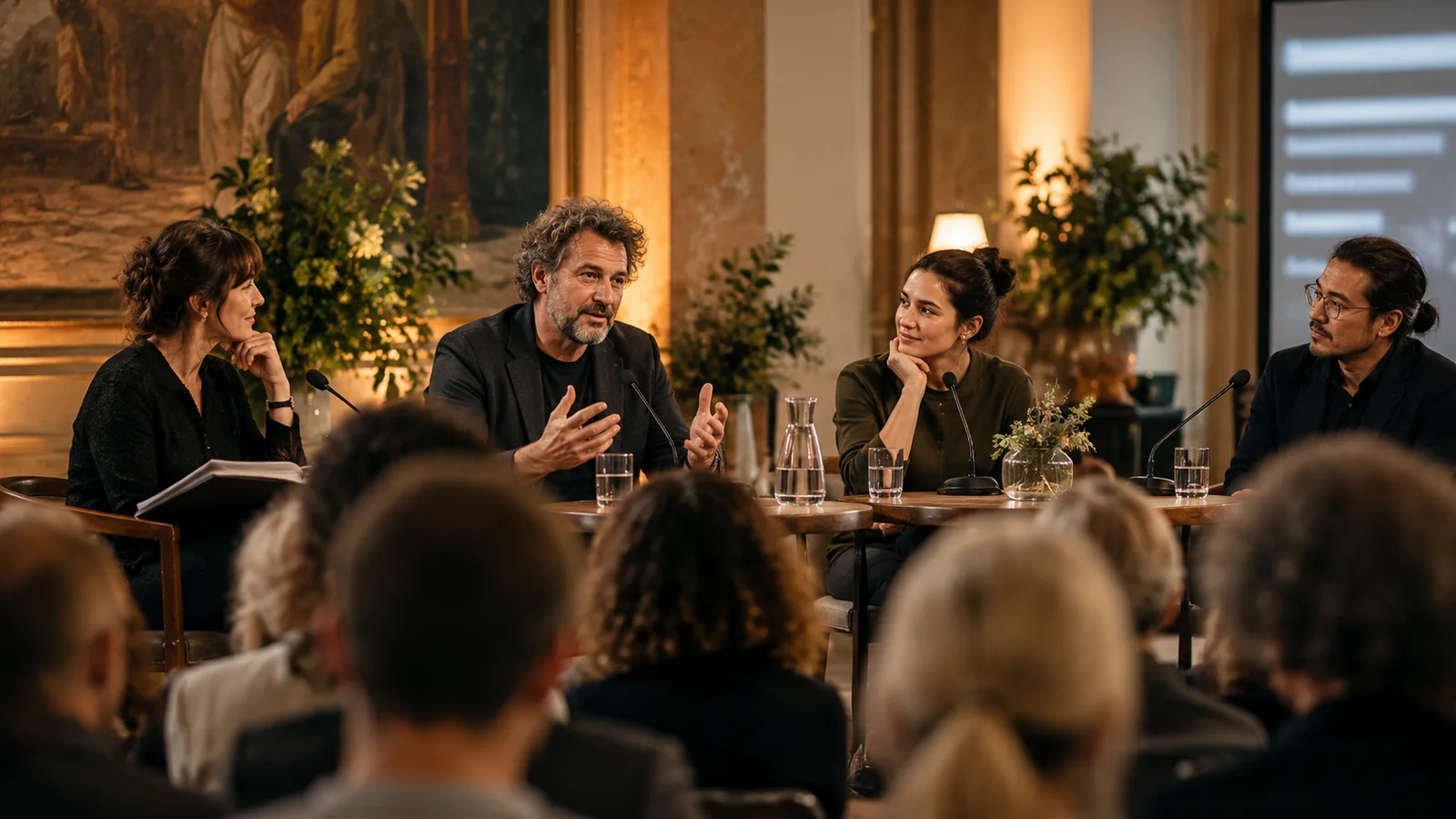
Ask the moderator to make clear handovers. Introducing a speaker by name helps guests follow who is talking. Repeat important numbers and summarize when needed. Leave a short reading pause after longer contributions.
Combine projector and guest access
Open the projector output and adjust size and appearance. Check side seats and the back of the room. Keep private notifications and the control interface off the shared display.
Additional QR access lets guests read on their own devices. Have them open it before the event, while the moderator can explain the process. A shared display remains important for guests without smartphones.
Organize the rehearsal and operator
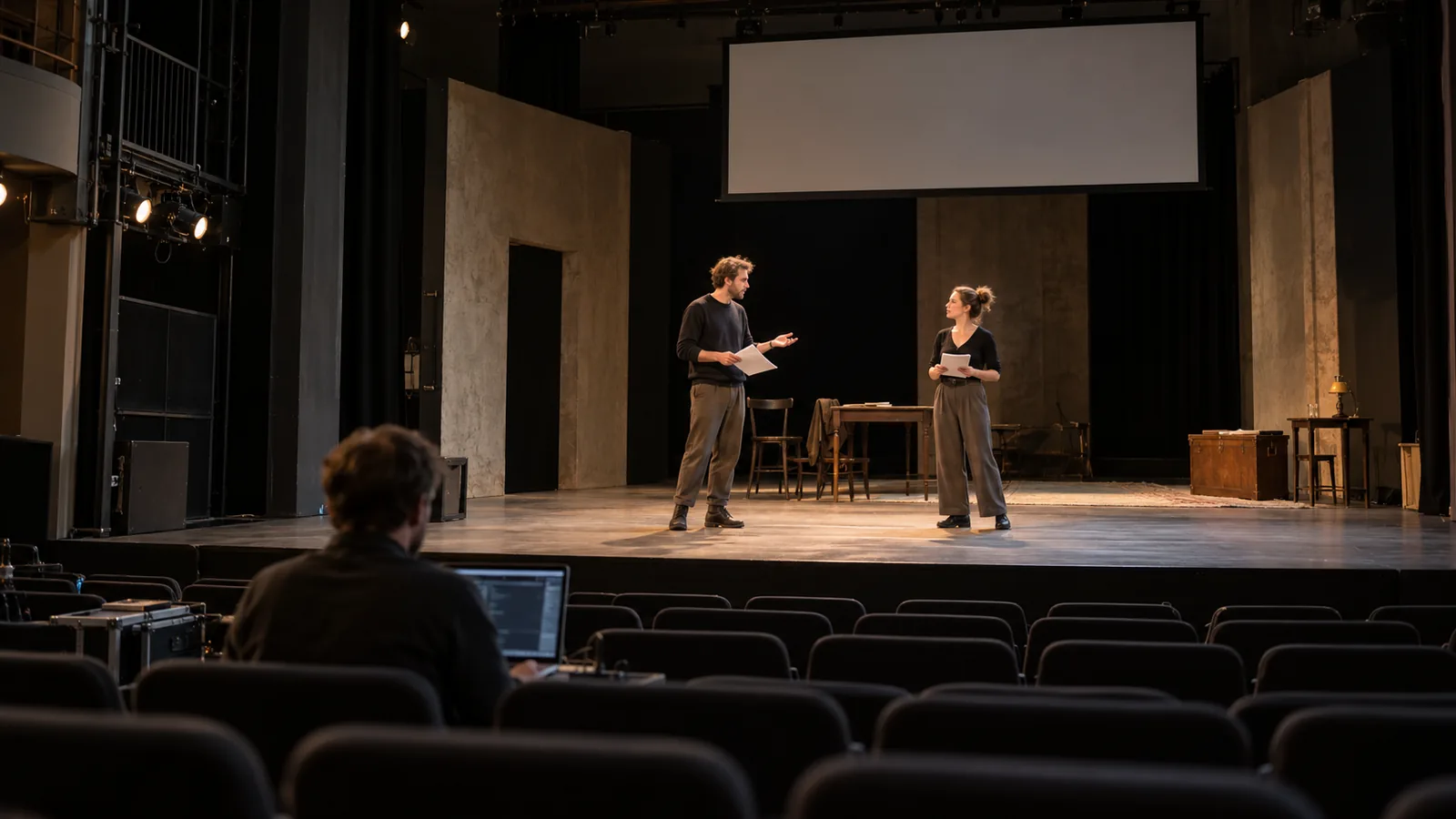
Rehearse a short sequence with a welcome, handover, follow-up question and audience contribution. Assign someone to watch status and output. The moderator should not have to check cables and translation at the same time.
- Check the balance for the panel, rehearsal and a reserve.
- Test both languages through every intended microphone.
- Check the screen from the seats and the guest link on a second device.
- Prepare backup internet and a response to missing text.
- Inform participants about AI processing and possible translation errors.
Costs and follow-up
Use the 3 free minutes per month for a brief function test. Longer rehearsals and events need enough purchased minutes. The current packs are one-time purchases, and purchased minutes do not expire.
End the live session after the panel. Before sharing text history, clarify whose agreement is needed and which content is suitable. Ask separately about translation quality, readability and guest access.
Prepare international panels in the DACH region
Ask panel members which languages they will actually speak. Agree a clear moderation language and take questions in order. Include names, organisations and regional abbreviations in the test. Rehearse dialects with the actual voices.
A pair might be German–English or German–French. The 13 language options do not provide automatic simultaneous output in every language. An author talk also needs book titles, characters and literary terms checked.