Who can benefit from visible speech
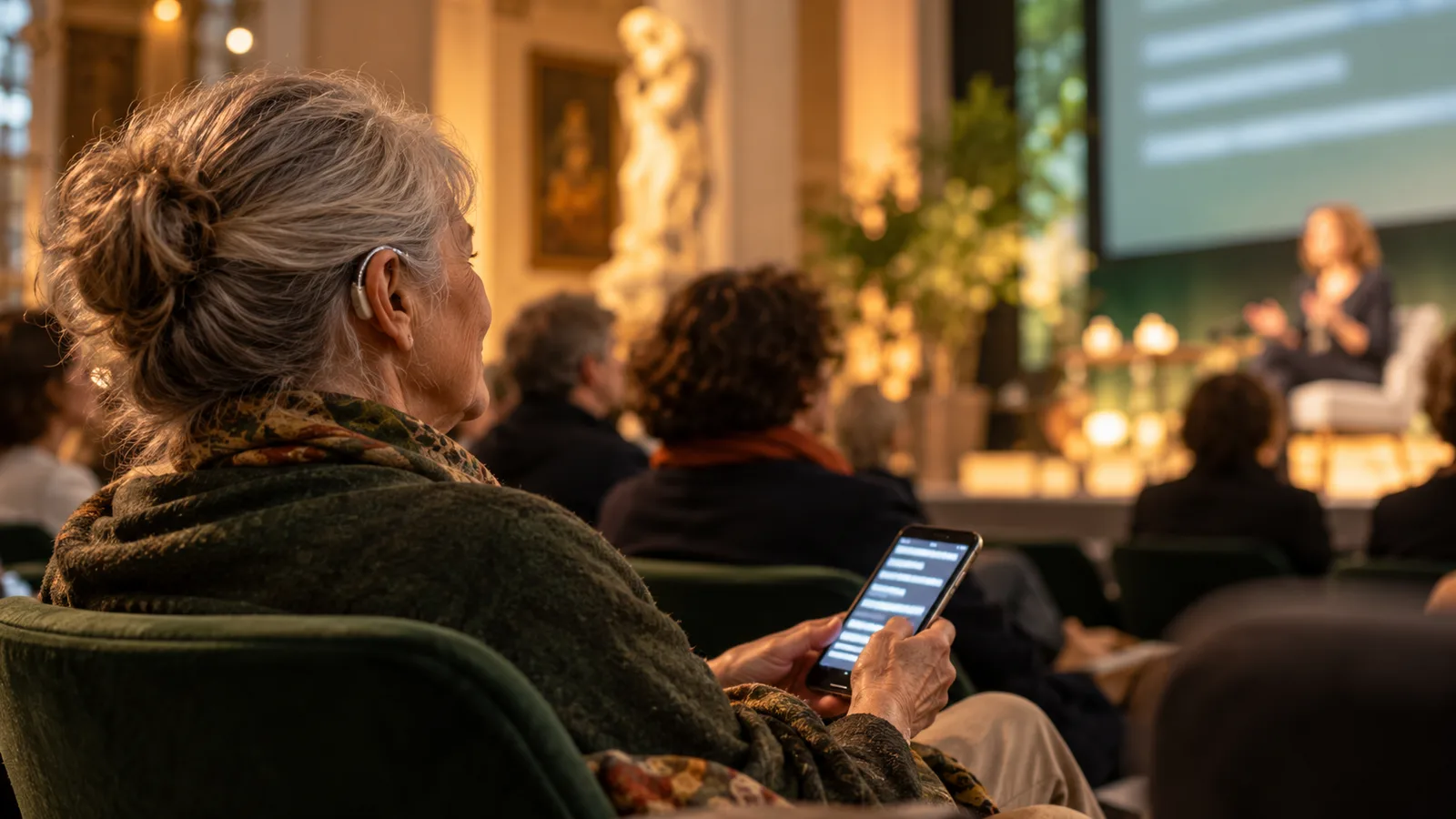
People with hearing loss, guests with another first language and those in acoustically difficult seats may benefit from text. What helps varies by person. Ask about language, sightlines, device access and support needs in advance.
Do not assume every guest has a smartphone. Where needed, provide a clearly visible shared display and personal help with access. Plan seats with unobstructed views and a nearby point of support.
Translation is different from accessible captioning
The W3C explanation of captions and subtitles distinguishes same-language captions from translations. Complete access can also require speaker identification and relevant non-speech sounds.
Klausi translates within a language pair and lets guests reveal recognized original text in the viewer. Source and target must be different languages. A same-language-only caption session is therefore not the product flow described here. Do not promise complete accessible captioning from the translation feature alone.
Decide how quality will be assured
Speech recognition and translation can omit words, misrecognize names or change meaning. W3C guidance cautions against treating unreviewed automatic captions as sufficient access support. Decide whether professional real-time captioners, sign-language interpreters or other support are required.
Test representative content under actual conditions. Good microphones and orderly speaker changes improve the input. They do not replace assessing your event’s requirements.
Create readable text and clear sightlines
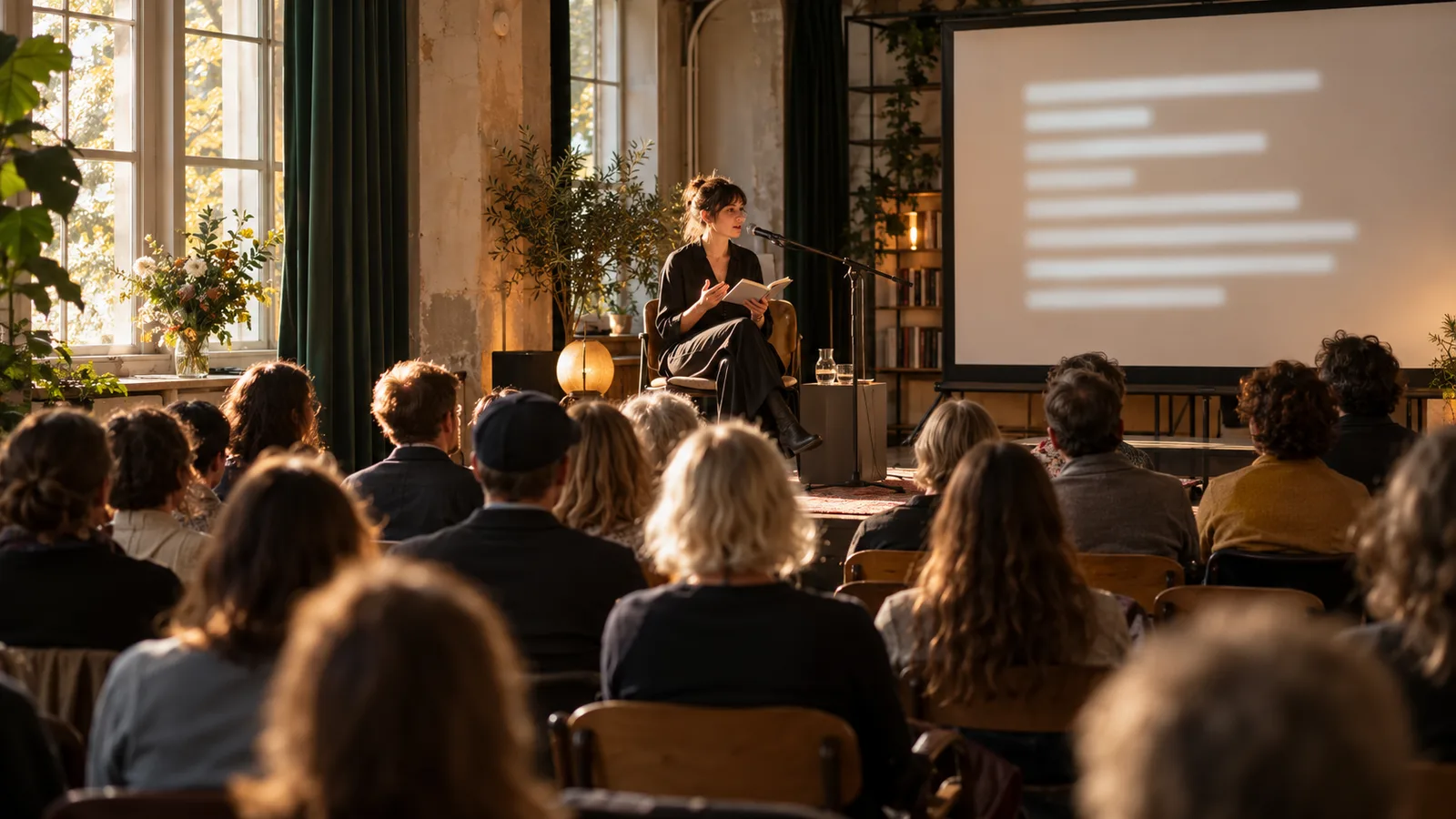
Use a clear typeface, sufficiently large text and strong contrast. Check the output under event lighting. Small controls on your laptop are not a useful measure of screen readability.
Place the display near the action. Check side seats, the back row and seats intended for guests with particular access needs. Avoid unnecessary head movement between speaker, slides and text. Link or QR access can provide an additional option.
Clarify requirements and funding early
Legal or contractual requirements depend on the service, organizer and circumstances. AI translation is not general proof of accessibility. Discuss specific obligations with your organization and obtain qualified advice when needed.
Ask your cultural office, funding body or venue about support early. Describe measures, cost, audience and quality checks. Verify current conditions and deadlines before relying on funding. This article does not promise eligibility for a particular scheme.
Checklist for a more accessible event
Describe precisely what you provide, such as AI-generated translated text in a specific language pair. Name additional services and a contact person. Seek feedback directly from guests.
- Ask separately about translation, same-language captioning and other support.
- Test the display and audio feed on site with representative sentences.
- Provide clear views, readable text and help opening guest access.
- Explain possible errors in automatic output.
- Agree a fallback plan and a responsible contact.
- Document feedback and improve the next setup.
Test Klausi as part of your setup
The live translation product page explains text and guest access. The projection guide helps you test readability. What matters is whether the complete provision meets actual audience needs.
Ask about specific access needs in the DACH region
Ask about required access provision in the invitation and give a reachable contact person. Explain whether you offer AI-translated text, professional captioning or other support. A general accessibility label gives too little information.
For an exchange programme, language skills and reading pace may be decisive. In a theatre, stage sightlines and literary content also matter. Assess the actual provision with the guests concerned.