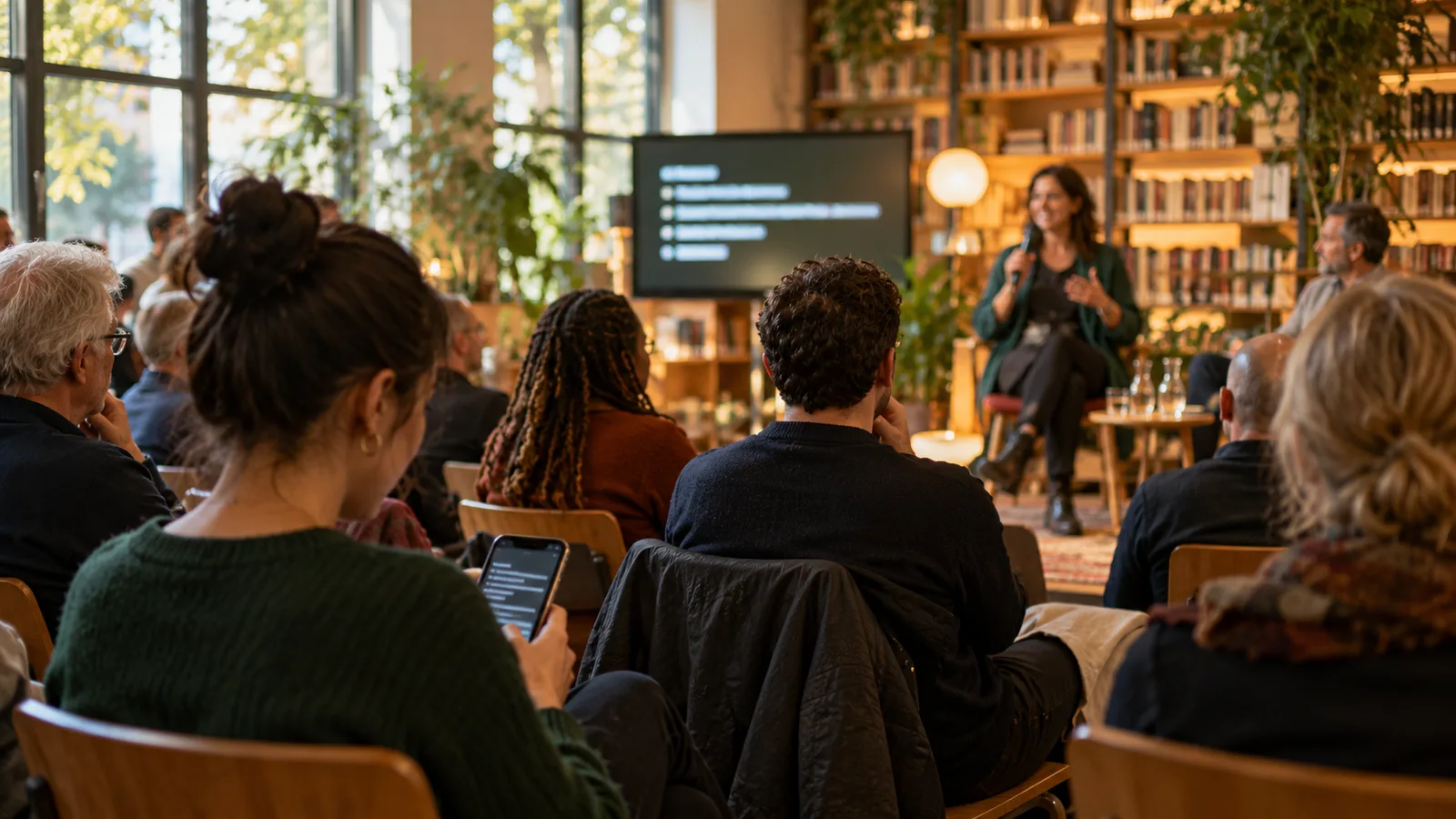
Choose equipment for the room
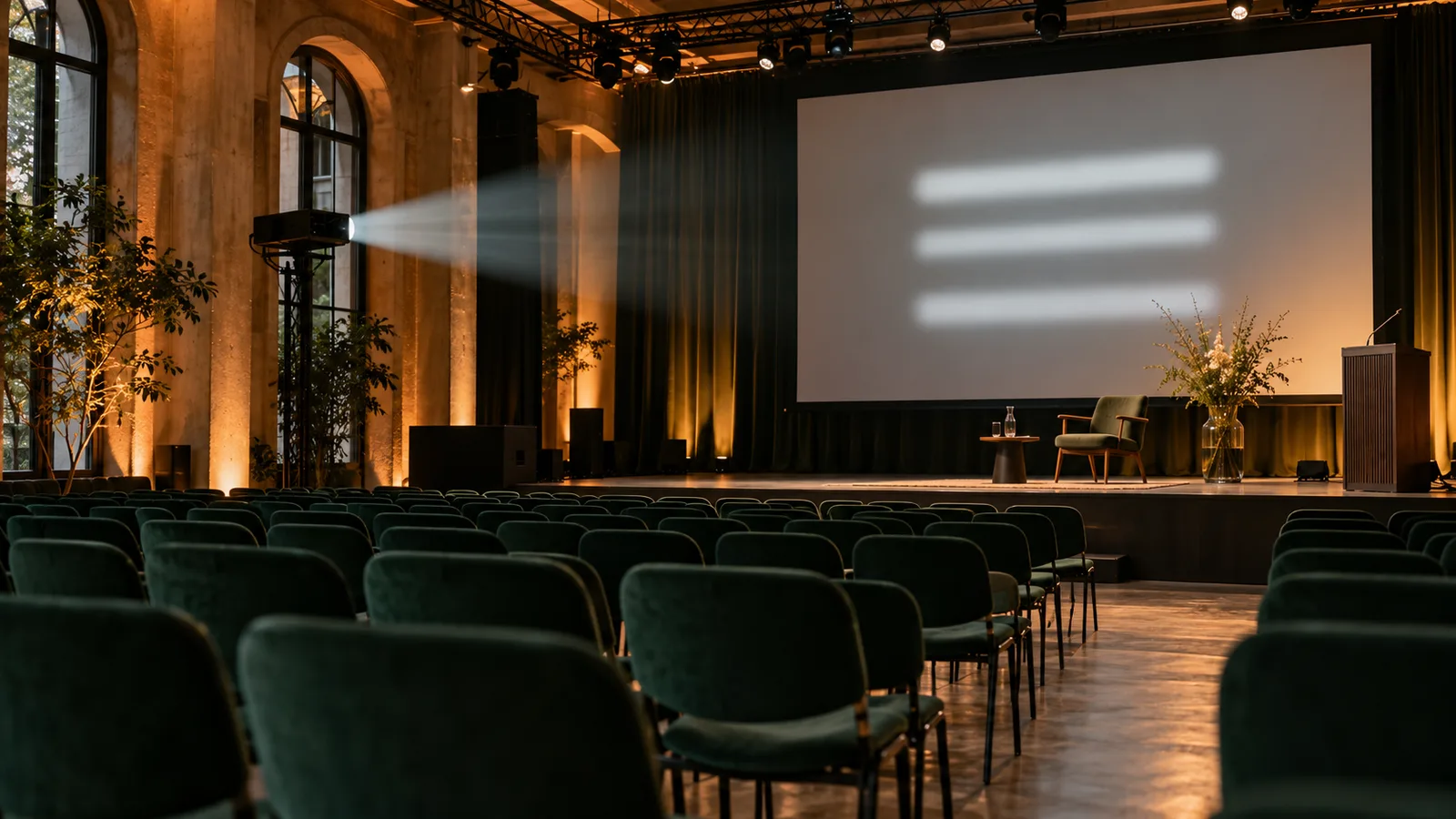
A brightness specification alone tells you little about readability at the venue. Screen size, distance, daylight and projection equipment work together. Ask the venue to test text on dark and light backgrounds. In bright daylight, a display may be more practical.
Look for a sharp, complete image and a signal path tested on site. Small letter outlines and clipped edges matter more for subtitles than for a film. Use the display device’s native resolution where possible.
Check text size and contrast
Open the Klausi projector output and choose suitable text size and appearance. Test longer sentences and names with accented characters. Light text on a dark background can work in a dim room; make the decision from the actual projected image.
Walk to the back row and side seats. Can guests read the current sentence comfortably before it changes? Increase text size or reduce visible history if needed. A fixed point size or generic centimetre rule cannot replace that check.
Place the screen thoughtfully
Subtitles should be close to the stage sightline without covering faces or presentation slides. A screen beside the stage works differently from a low display in front of the first row. Check sightlines with occupied seats or people standing in for guests.
In a large room, another display farther back can help. Agree the signal routing with the technician. A dedicated subtitle screen avoids switching between slides and text.
Distinguish the language pair from the layout
Klausi translates in both directions within a chosen language pair. That does not mean simultaneous output in any number of target languages. Test which language appears in the guest viewer and projector output.
Do not promise a fixed two-column layout based on an old guide. The current output is what matters. Guests with a poor sightline can use QR access.
Troubleshoot common projection problems
If the output appears on the laptop but not on the screen, check display assignment, cable and projector input. With an extended desktop, the correct browser window must be on the external display.
- Blurry text: check focus, resolution and scaling.
- Washed-out image: adjust room light, screen position and appearance.
- No new sentences: check microphone, session status and internet separately.
- Interruptions: check power, screen locking and notifications.
Checklist before doors open
Allow setup time and a complete rehearsal. Ask a second person to check the room while you operate the equipment. Recheck readability after changing lighting or seating.
- Connect and power the laptop, microphone and display.
- Test the actual audio feed and both languages with sample sentences.
- Check text and sightlines from rear and side seats.
- Open the guest link on a smartphone and test backup internet.
- Assign a person to handle problems during the event.
Finish the setup in Klausi
The projector setup guide explains how to open the output. The live translation overview shows the product flow. Readable projection comes from suitable equipment and an on-site rehearsal.
Test longer translations and different scripts
A short German sentence may take more space in another language. Test actual passages in both directions, including umlauts, Turkish characters, Ukrainian script and longer Arabic sentences where relevant. Adjust text size after checking the real room.
The 13 language options are selectable languages for one pair. Theatre surtitles also require decisions about artistic cues and a prepared text version.